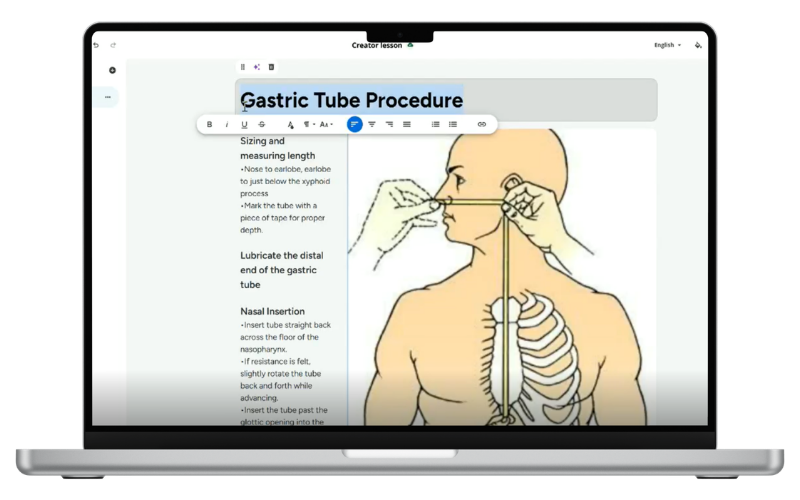

AI Creator
Building great training content takes time you don’t have. AI Creator, exclusive to our Premium plan, lets you turn your department’s own policies, procedures, and documents into professional, interactive lessons in minutes. Enter a prompt and upload your files, or start from scratch and let AI assist along the way. Automatic assessments, media tagging, text rephrasing, and even translations are built in.
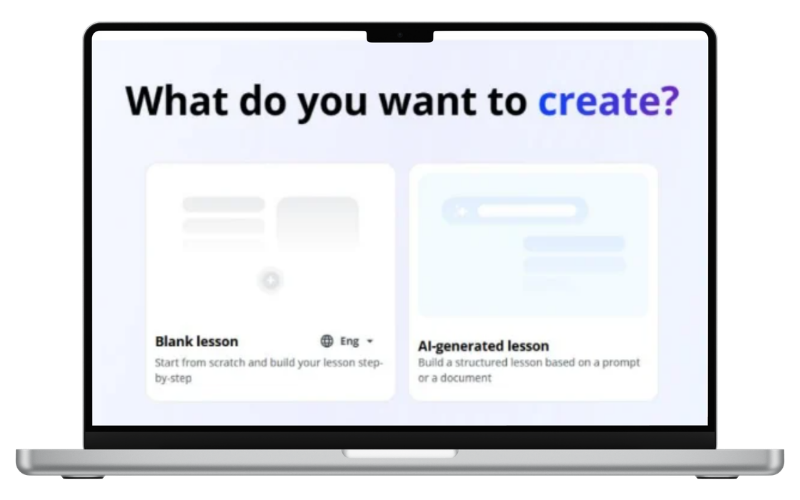

Generate From Your Content
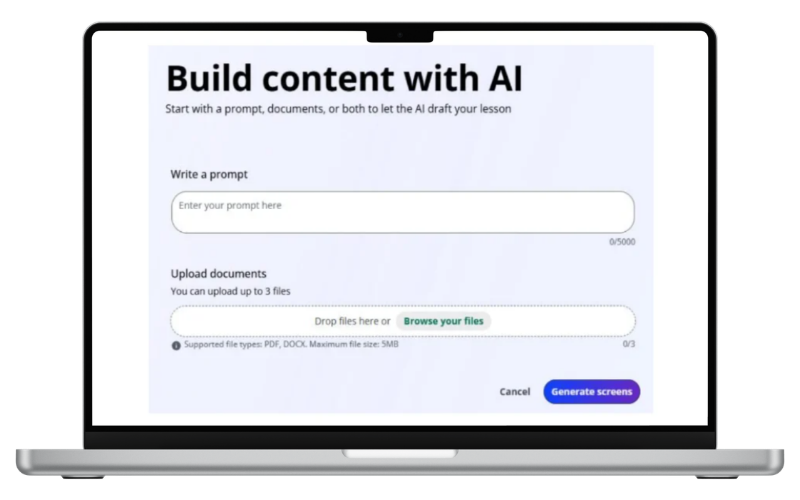
Upload your documents and a prompt. AI Creator builds the lesson, pulling in images from your files and generating new ones to support the content.
Built-In Assessments
Add AI-generated assessments that pull straight from your lesson content. You choose the quantity and format, then edit as needed.

Always Up to Date
Update a Creator lesson once and it automatically updates everywhere it’s assigned, so your courses are never out of sync.
Generate a Lesson From Your Files
Upload your files and a short prompt. AI Creator builds out the lesson screens for you, using your own policies and procedures as the source material.
Edit With AI
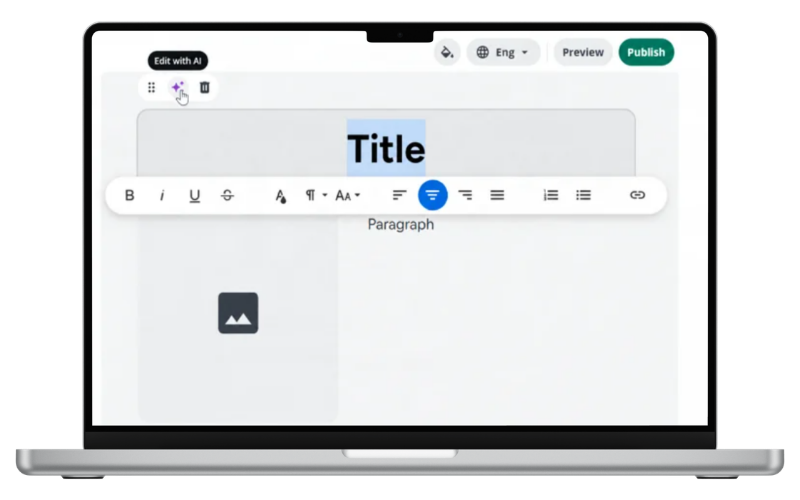
Rephrase, expand, or shorten any text with one click. You own the content you enter, and it’s never used to train outside AI models.
Interactive Elements
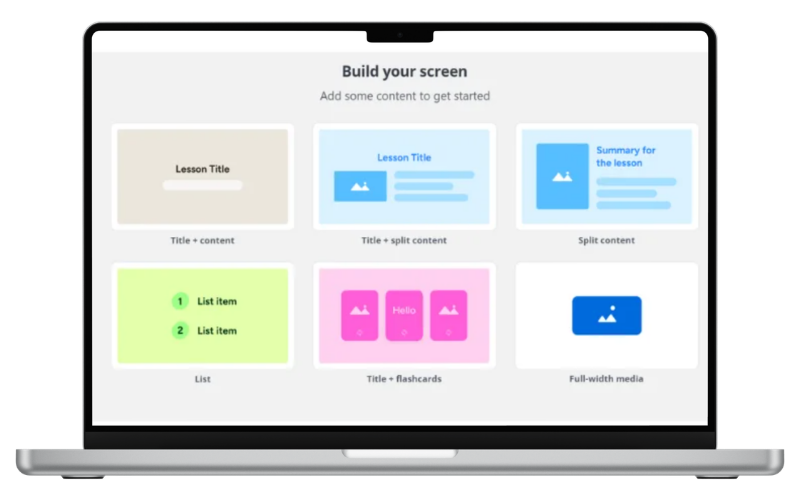
Add flashcards, knowledge checks, accordions, and hotspots to keep lessons engaging, not just another slide deck to click through.
Automatic Tagging + Translation
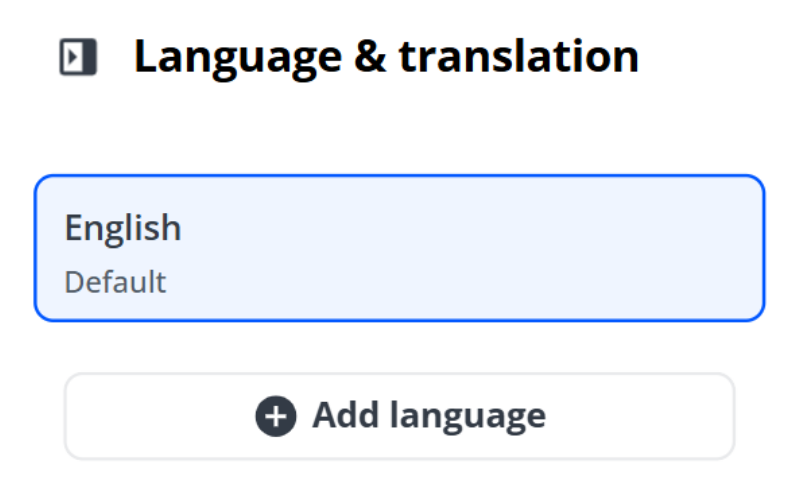
Media is automatically tagged as you upload it. Translate lessons into other languages with AI, or enter translations manually; either way, it’s all managed in one place.
On-Brand, Every Time
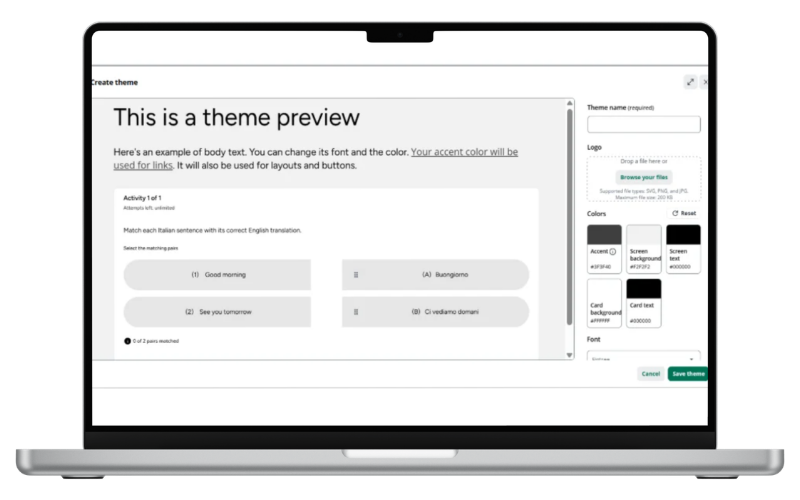
Customize colors, fonts, and styles to match your department’s guidelines, so every lesson looks like it belongs to your organization.
A note on AI content: AI Creator is a tool to accelerate your workflow — your subject matter experts should review all generated content before it goes live.
Also see:
Turn any document into training
Your best training content might already be sitting in a policy binder. Let AI Creator turn it into a course.